
01 · COLLECT
Select only what matters.
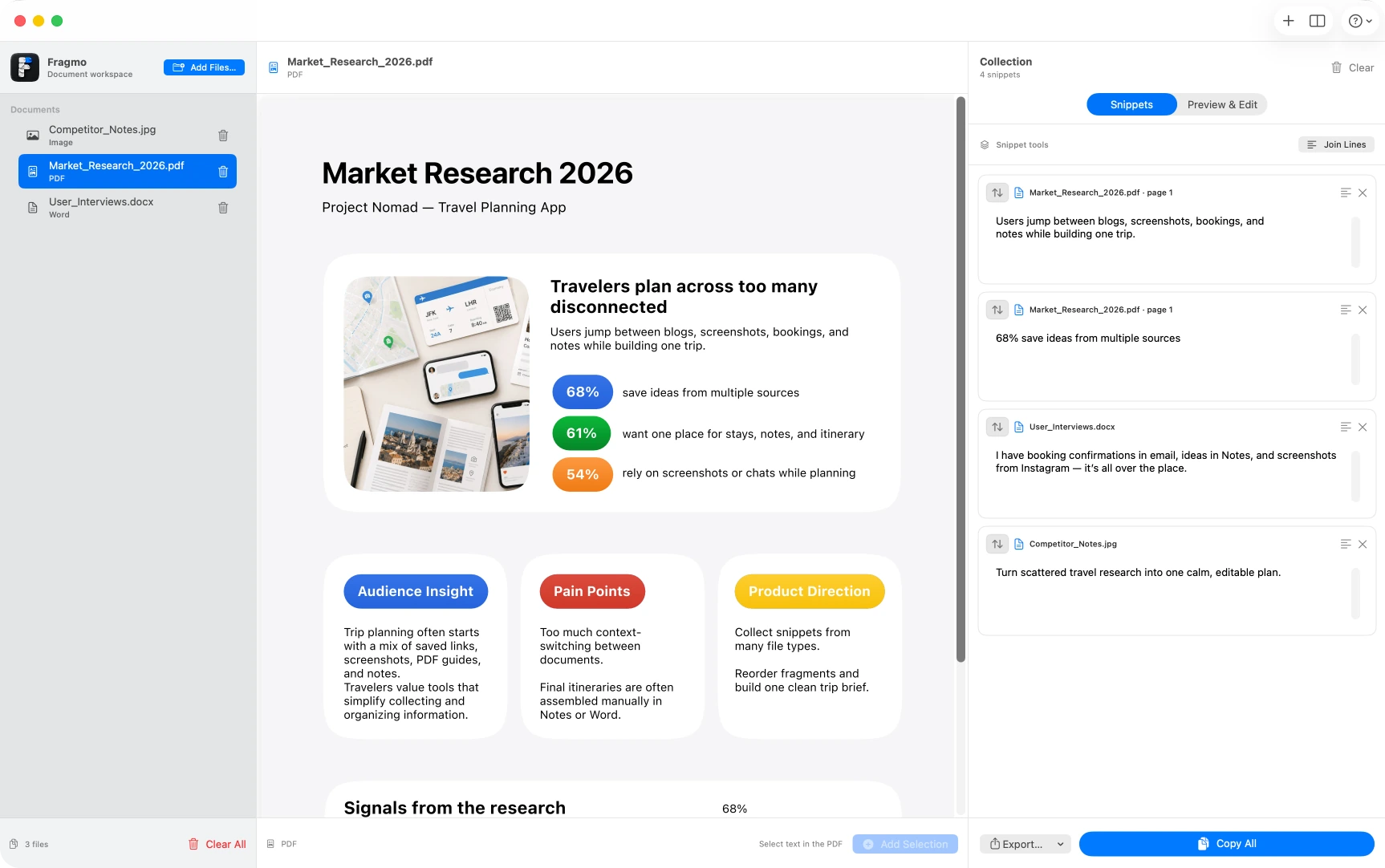
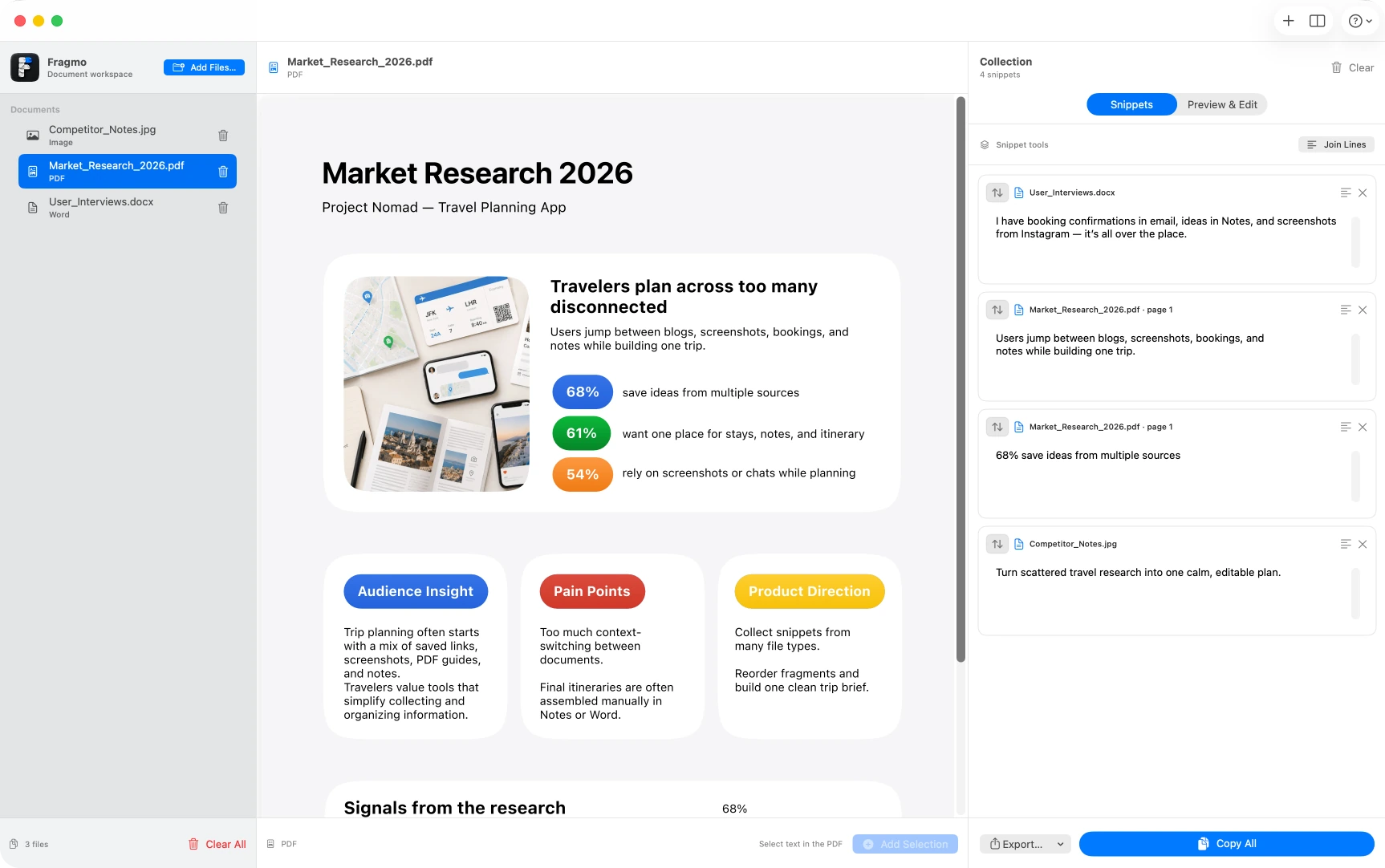
Open your sources, select the exact text you want to keep, and add it to your Collection without constantly copying between windows.
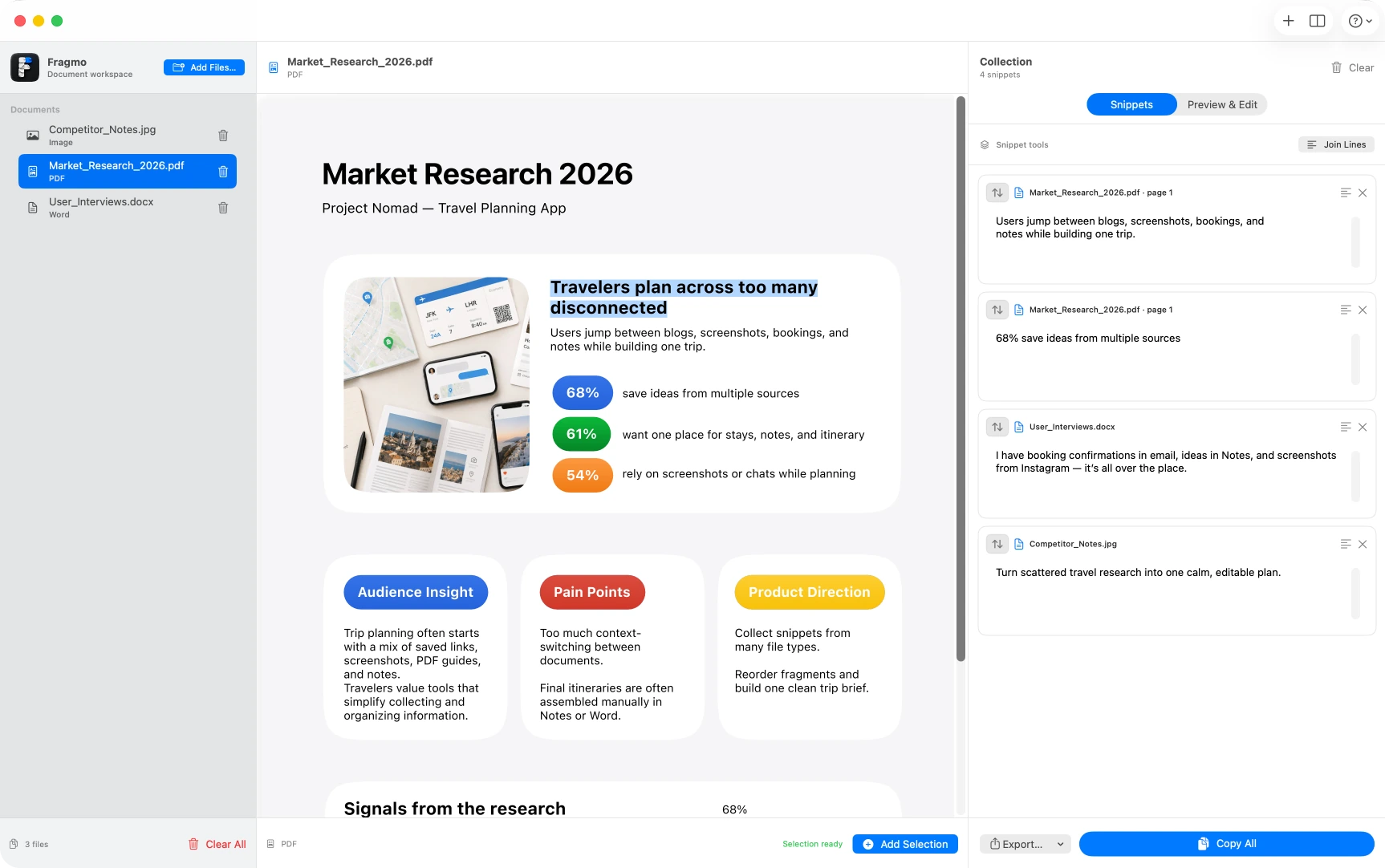
Collect what matters from PDFs, documents, and images — then turn it into a clean draft.
Research rarely lives in one file. Fragmo keeps the useful parts together so you can focus on what you are actually trying to create.
Open your sources, select the exact text you want to keep, and add it to your Collection without constantly copying between windows.
Gather useful fragments from PDFs, Word documents, and images in the same place. Keep the source context while the collection grows.
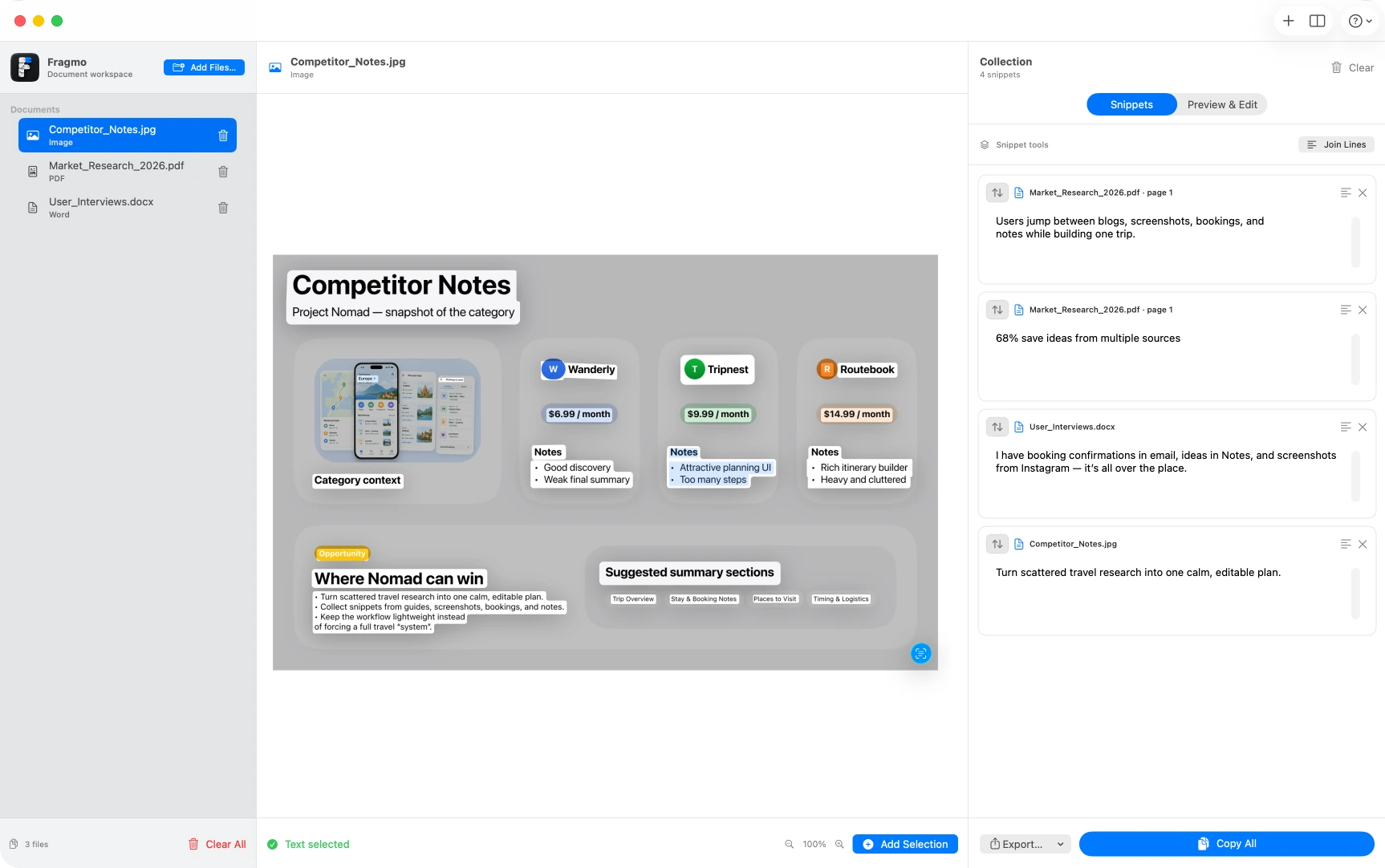
Arrange snippets into the order that makes sense before you start writing. Build the structure first, then shape the final text.
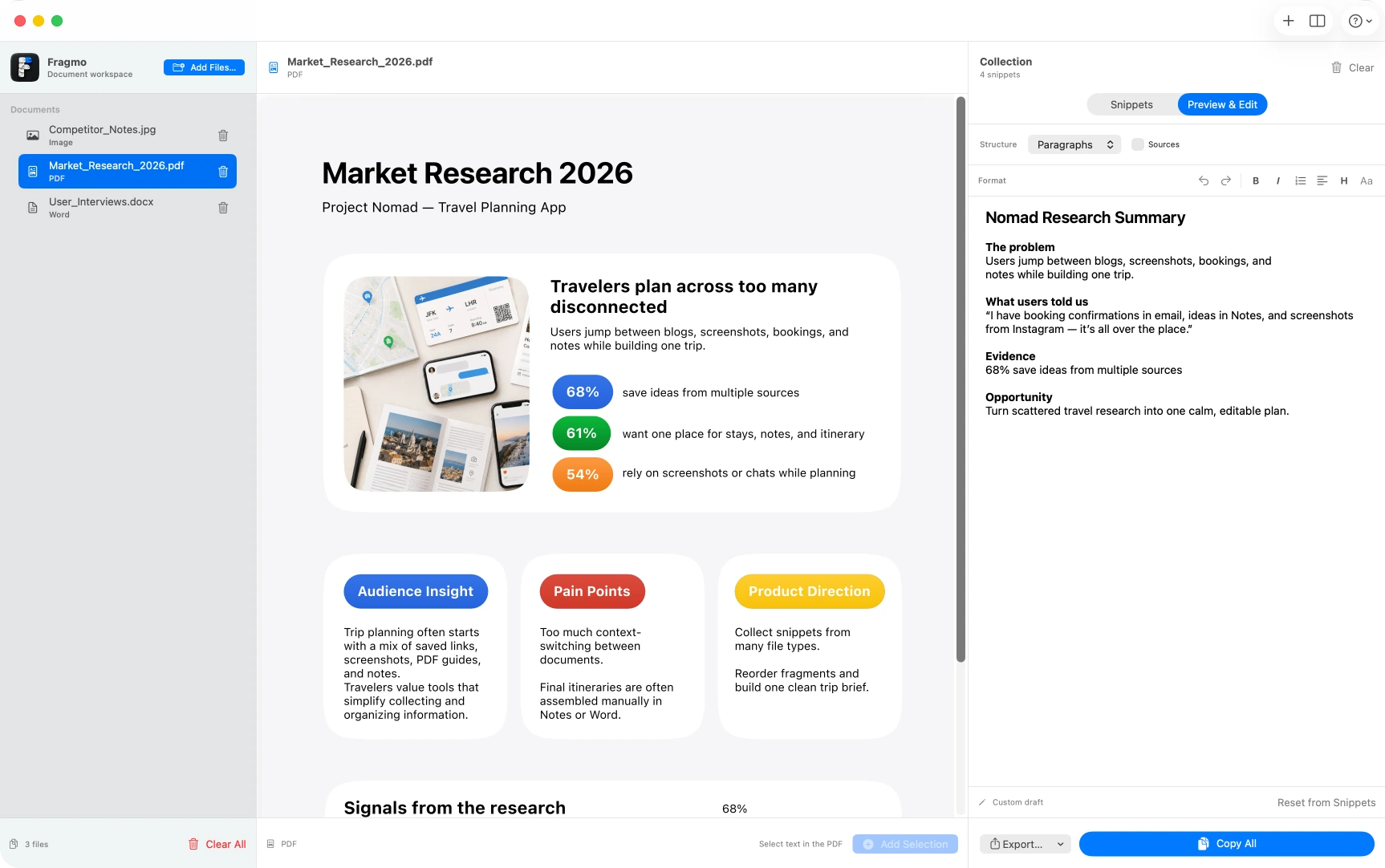
Switch to Preview & Edit, structure the result, format the text, and keep refining it without leaving the workspace.
Fragmo is useful anywhere the information you need is scattered across several sources.
Collect evidence, quotes, numbers, and observations before writing.
Build a source-backed structure before turning it into a polished draft.
Pull the important parts from papers, notes, and visual material into one place.
Combine details from guides, documents, screenshots, and other references.
Polish the result, then export it as plain text, a Word document, or a PDF when you are ready.